Where can I find the usage statistics for my educational materials?
Usage statistics are kept for all materials published on twillo. This contains information about how often your material has been viewed and downloaded, how many collections it has been integrated into and whether other users have created a variant of it.
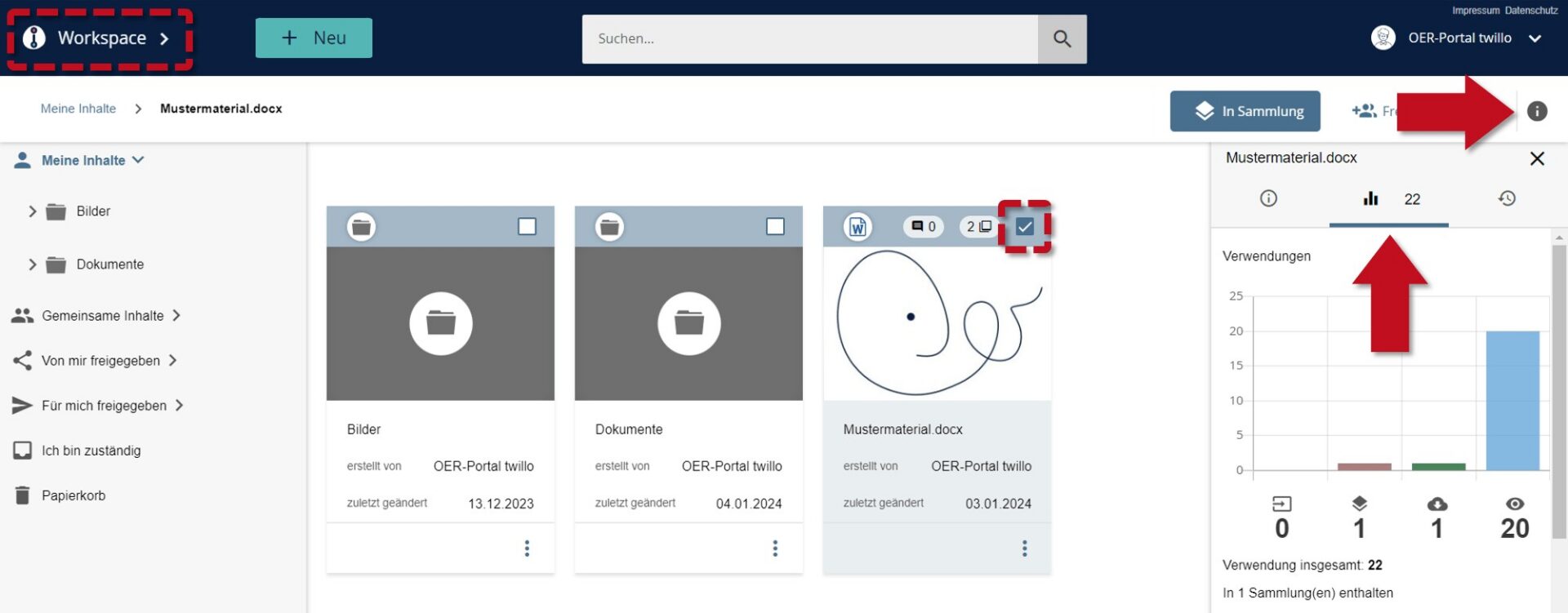
To get an insight into the statistics of your materials, first open your workspace. Then select the material whose usage figures you would like to view using the checkbox on the material tile. Now click on the small info tab on the right-hand side and select the Statistics tab (bar chart icon).