Where and how can I state that my OER are (partially) generated by AI?
You can add information to the metadata of your material indicating that it is AI-generated or contains AI-generated parts.
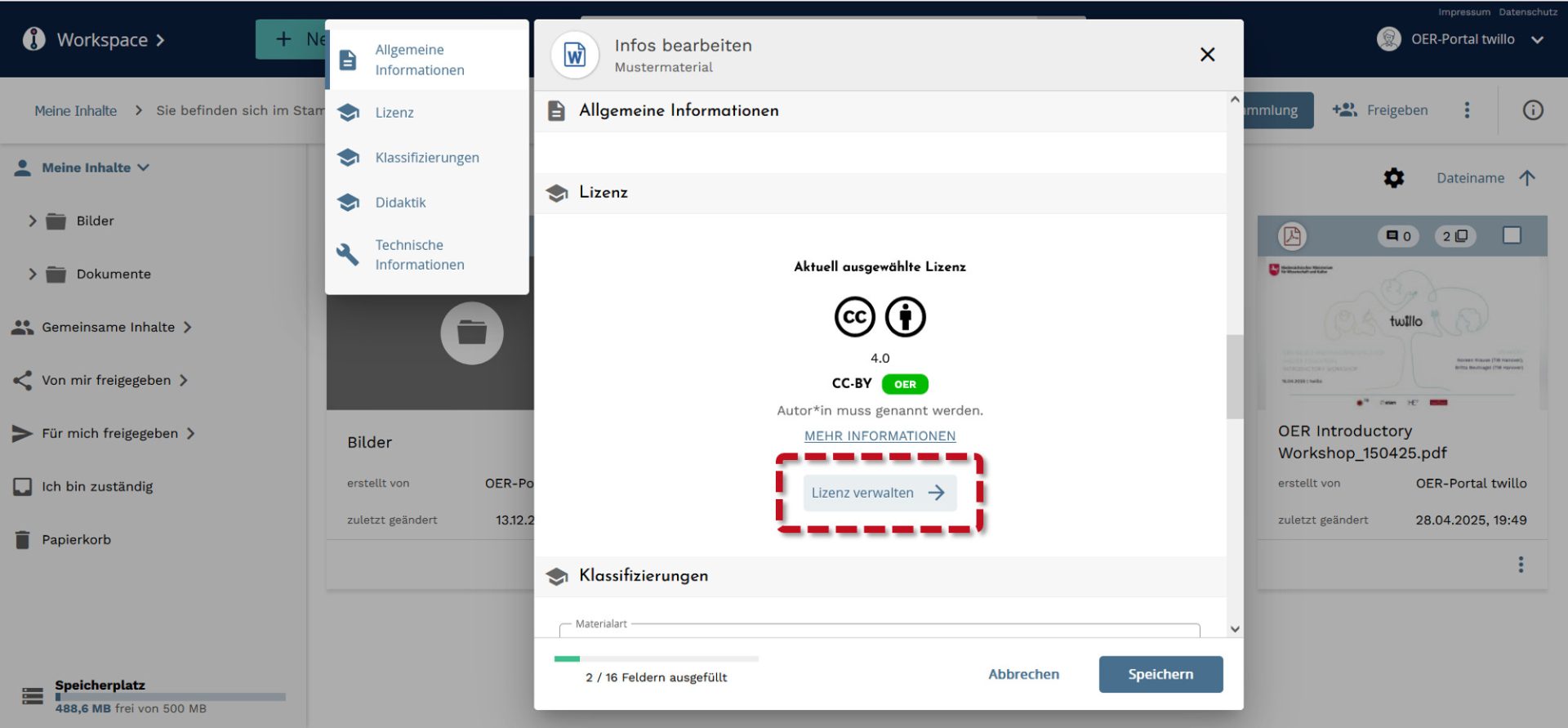
To do this, start at your workspace and open the menu options (three dots) for the material you want to add AI info to. Pick edit info from the dropdown menu to get to the metadata dialog.
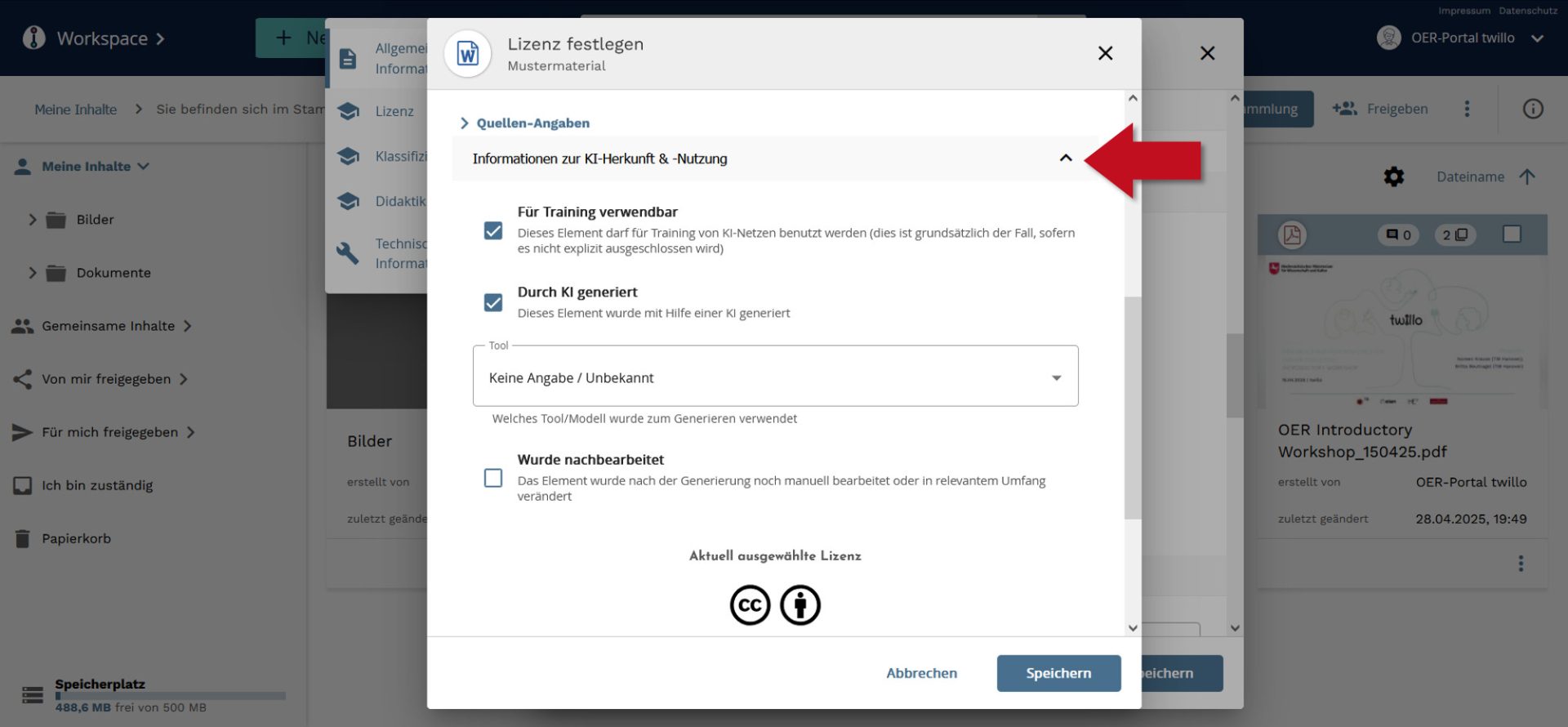
In the following window, click on the manage license tab and open the information about AI origin and usage drop-down menu.
Here you can indicate that your material was created using AI and which tool you used. You can also add information about whether you are providing the AI content unchanged or if it has been manually edited.